
Refreshed posts boost organic traffic by up to 106% and double leads, according to recent HubSpot data. Search engines like Google favor current content, especially with AI overviews pulling fresher pages first. You see this when an old how-to guide on your site loses visitors to competitors with updated tips.
Old content decays fast in 2026. Users expect fresh stats and examples that match their questions. Updating content revives rankings without starting from scratch. This guide shows you how to spot issues, audit posts, refresh smartly, apply SEO tweaks, and use tools for wins.
You will learn simple steps to keep your site relevant. Let’s start by checking warning signs.
Spot These 5 Warning Signs Your Content Needs Help
Content slips quietly. Traffic dips, and rankings fade because fresher rivals appear. Spot these signs early. Check Google Analytics weekly to stay ahead. That way, you fix problems before they hurt.

Sudden Drops in Traffic or Search Rankings
Open Google Analytics or Search Console. Look for unexplained dips over 30 days. A 20% drop often means Google spots fresher competitors. In 2026, compare with industry trends. Pages updated in the last 90 days rank 3.7 spots higher on average.
Traffic falls because search intent shifts. Competitors add new data. Check impressions in Search Console. If they drop too, act fast. Weekly reviews catch this early.
Outdated Stats, Examples, or Broken Links
Scan posts for data over a year old. Use tools like Ahrefs to find dead links. Examples like “best tools in 2023” feel stale now. Readers bounce when facts don’t match reality.
Fix these first. They build trust quick. Update stats from reliable sources. Test links weekly. Fresh info signals quality to Google.
For more on spotting decay, see Brand Vision’s content refresh playbook.
Changes in What Readers Are Searching For
Search intent evolves. Users now ask for video tips or AI tools. Use Google Trends or AnswerThePublic. See if top results changed. Your post might miss new questions.
Queries shift fast in 2026. Check what ranks now. If competitors cover fresh angles, your content lags. Tools show query volume changes.
Low Reader Engagement and High Bounce Rates
Time on page under 30 seconds screams stale. High bounce rates over 70% mean mismatch. Few comments or shares signal boredom.
Tie this to needs. Readers want depth. Check metrics in Analytics. Low engagement drops rankings. Add hooks to hold attention.
Your Page Lags Behind Top Competitors
Search your keywords. Note top pages. Do they have graphs, videos, or 2026 data you lack? Manual checks take 10 minutes per post.
Competitors win with multimedia. Match their depth. If they updated recently, you must too. This keeps you competitive.
Audit Your Site to Pick Winning Posts to Refresh
Pick high-potential posts first. Start with topical authority maps. Use Google Analytics for traffic gaps. Prioritize those with past success but recent drops.
Create a spreadsheet. Score on traffic, age, and effort. Aim for quick wins like guides. Balance with your 2026 content calendar by category.

Build a Priority List with Analytics Data
Export data from Analytics. List top 20% by past traffic. Score each: high volume gets 10 points, over a year old subtracts 5, easy refresh adds 3.
Focus on evergreen topics. Sort by drop percentage. Pick 5-10 to start. This targets ROI.
Steps work like this:
- Filter posts with 1,000+ views ever.
- Note current vs. peak traffic.
- Rank by potential gain.
Use Planning Tools for Smarter Audits
Try ClickUp or Monday.com for maps. Google Sheets works free. Set roles and deadlines if you have a team.
These tools track progress. Link to calendars. They prevent overload. For audit guides, check Digital6ix’s approach to old blogs.
Refresh Old Posts Step by Step for Maximum Impact
Decide refresh or rewrite based on intent. Update intro, headings, stats, examples, screenshots, links, and CTAs. Keep modular: short paras, bullets, questions as headings.
Add graphs or videos. Depth beats quantity. Refreshing ranks faster than new posts for SEO.

Refresh Smart or Rewrite Completely?
Refresh for minor tweaks like new stats. Rewrite if topic shifted or content too thin. Example: Update a 2024 tool list with 2026 picks. Rewrite if users now want comparisons.
Criteria help decide. Minor changes save time. Big shifts need full overhaul.
Update Key Elements Without Overhauling Everything
Swap old stats for current ones. Cite sources. Add real examples. Fix links. Strengthen CTAs like “Try this now.”
Boost E-E-A-T with insights. Your experience stands out. These tweaks lift trust.
Structure for Readers AI and Search Engines
Use short paras. Add bullets for lists. Headings as questions. Multimedia fits natural.
Optimize for voice: talk like friends. One idea per sentence. This aids AI snippets.
SEO Tricks to Make Refreshed Content Rank Higher
Match 2026 intent conversationally. Add internal links, FAQ schema. Build clusters: pillar to clusters. Fresh data aids credibility.
Engagement signals matter. Update metas and titles. No big freshness algo shift, but quality wins.
Match What Searchers Want Right Now
Research queries in Search Console. Answer direct. Use natural language for AI overviews.
People skip to answers. Cover full intent. This snags clicks.
Add Schema Links and Optimization Boosts
Implement FAQ schema for snippets. Link internally to clusters. Refresh metas for better CTR.
Build authority. Tools generate schema easy. See Hashmeta’s refresh strategy.
Prep for Voice Search and AI Answers
Phrase conversationally. Cover topics deep. Aim for featured spots.
AI favors comprehensive replies. Add your voice.
Top Tools and Real Wins to Inspire Your Updates
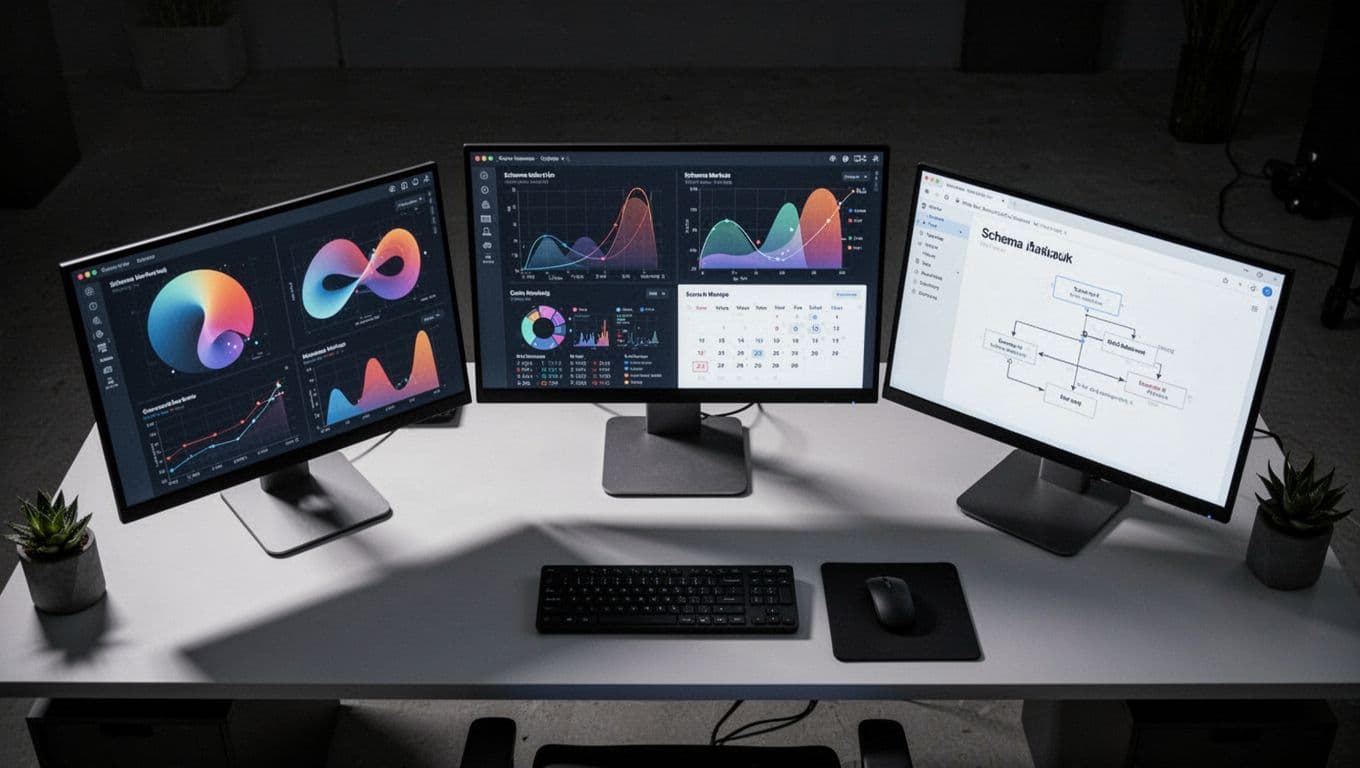
Grammarly checks readability. Hemingway simplifies. Analytics spots issues. ClickUp plans calendars. Schema generators add markup.
Start small. Teams refresh 1,000+ posts for ranking jumps.
Must-Have Tools for Easy Refreshing
- Grammarly: Spots errors, suggests flow. Free tier works.
- Analytics/Search Console: Free data gold.
- ClickUp: Maps and tracks. Team-friendly.
Pros: Fast audits. Cons: Learning curve.
Success Stories from Real Content Teams
Inflow refreshed pages for 268% click growth. Content Whale hit 390% traffic via SEO tweaks. Another team doubled traffic adding stats, per Goinflow case study.
These prove it works.
Spot signs, audit smart, refresh key parts, tweak SEO, grab tools. Pick one post this week. You will see traffic climb and authority grow in 2026.
What post will you update first? Comment below or subscribe for more tips.